
How to Hide Your WhatsApp Web Chats from Nosy Colleagues (Without Getting Fired)

Table of Contents
What Are the Best Privacy Extensions for WhatsApp Web?
A privacy extension for WhatsApp Web is a browser add-on that hides your chat previews, blurs messages, or locks the interface with a PIN. These tools prevent shoulder surfers from reading your conversations when you step away or when a colleague walks by your desk. They work on Chrome, Firefox, and Edge, and are often free or cheap.
Let's face it: you're not doing anything wrong. You're just checking if your friend finally replied about Friday's plans. But try telling that to your manager when they catch a glimpse of your screen and see a message that starts with "Did you see what Karen said about..."
That's where a privacy extension for WhatsApp comes in. It's like putting a digital trench coat over your chats. No more awkward explanations, no more pretending you were looking at spreadsheets.
Why You Need a WhatsApp Privacy Extension Yesterday
Office culture is basically a reality show where everyone is both contestant and audience. Your colleagues are not malicious—they're just curious. Like that aunt who asks when you're getting married. But instead of marriage, they're asking about your weekend plans.
Without a whatsapp privacy extension, your WhatsApp Web is an open book. Every notification, every preview, every half-typed message is visible to anyone who walks past your desk. It's like having a CCTV camera pointed at your private conversations.
The "Oops, I Forgot to Lock My Screen" Lie
We've all done it. You get up for coffee, and your screen is wide open. A colleague walks by, sees a chat, and now they know you're job hunting or complaining about the new intern. A privacy app like a browser extension can auto-lock your WhatsApp after a few seconds of inactivity. Problem solved.
Top Features to Look For in a Privacy Extension for WhatsApp Web
- Blur Mode: Blurs all messages until you hover over them. Perfect for when you're reading and someone walks up.
- PIN Lock: Locks the entire WhatsApp interface with a PIN. Even if your screen is on, they can't see anything.
- Notification Hiding: Hides message previews in browser notifications.
- Auto-Lock: Locks after a set time of inactivity (e.g., 30 seconds).
How to Install a WhatsApp Privacy Extension
It's stupidly simple. Go to the Chrome Web Store or Firefox Add-ons and search for "WhatsApp privacy." Pick one with good ratings, click "Add to Browser," and you're done. Most extensions work automatically once you open web.whatsapp.com.
My Personal Favorite: WA Web Plus
It's not the only one, but it's reliable. It offers blur, PIN lock, and even lets you customize the look of WhatsApp. Plus, it's free. No, I'm not sponsored. I just like not having to explain my chat history to HR.
But Wait, Is It Safe?
Good question. Stick to extensions from reputable developers with thousands of downloads. Check the permissions—if an extension asks for access to all websites, that's a red flag. A good privacy extension for whatsapp only needs access to web.whatsapp.com.
Also, read the privacy policy. Some free extensions make money by selling your data. That defeats the purpose, doesn't it?
Final Thoughts (But Not Really Final, Because We're Not Using Clichés)
Look, you deserve privacy. Even at work. Especially at work. A whatsapp privacy extension is a small investment for peace of mind. Install one today, and next time your boss walks by, you can smile and say, "Just checking the quarterly reports." They'll never know.

NakedPact Editorial Committee
Article created by the NakedPact editorial team. Our mission is to analyze, simplify, and expose unfair terms and hidden risks in everyday contracts to protect citizens and consumers.
Sources and Legal References
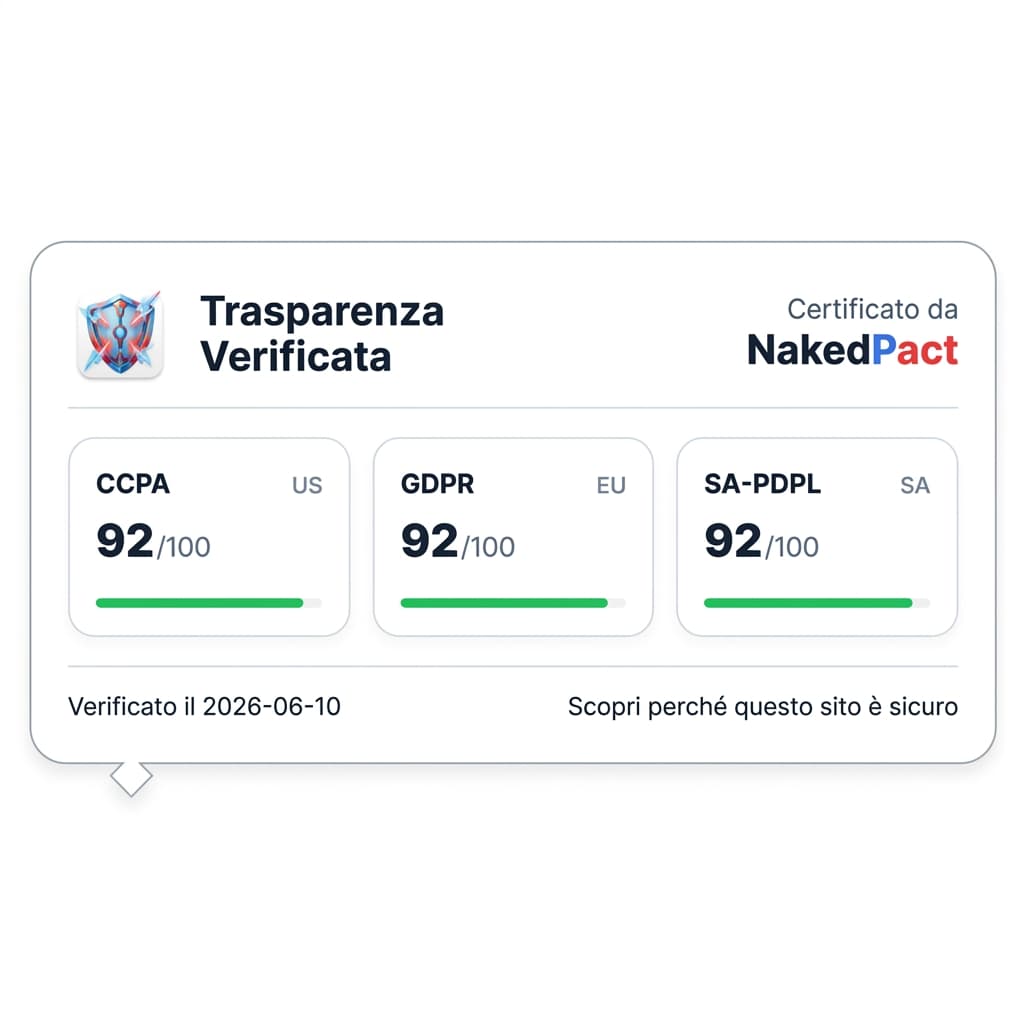
Do you own a website?
Want to communicate your data processing transparency to your users? Dynamically use our badge and showcase your platform's compliance.
Recommended Readings

Gym Memberships and Pay TV: How to Cancel Without Paying Ridiculous Penalties

The Hidden Contracts of Your Smart Home: What You Agree to When You Set Up a Smart TV

In-App Subscriptions and Gaming: How Video Game Contracts Lock You Into Recurring Payments
🛡️ Protect your rights with one click
Don't risk signing abusive clauses. Install the free NakedPact extension for Chrome or Firefox and instantly analyze any contract on the web.
Don't trust, verify.
Now that you know the risks, don't sign blindly. Upload your contract to NakedPact and let AI find the hidden clauses for you. It's 100% free.
Analyze Your Contract Now